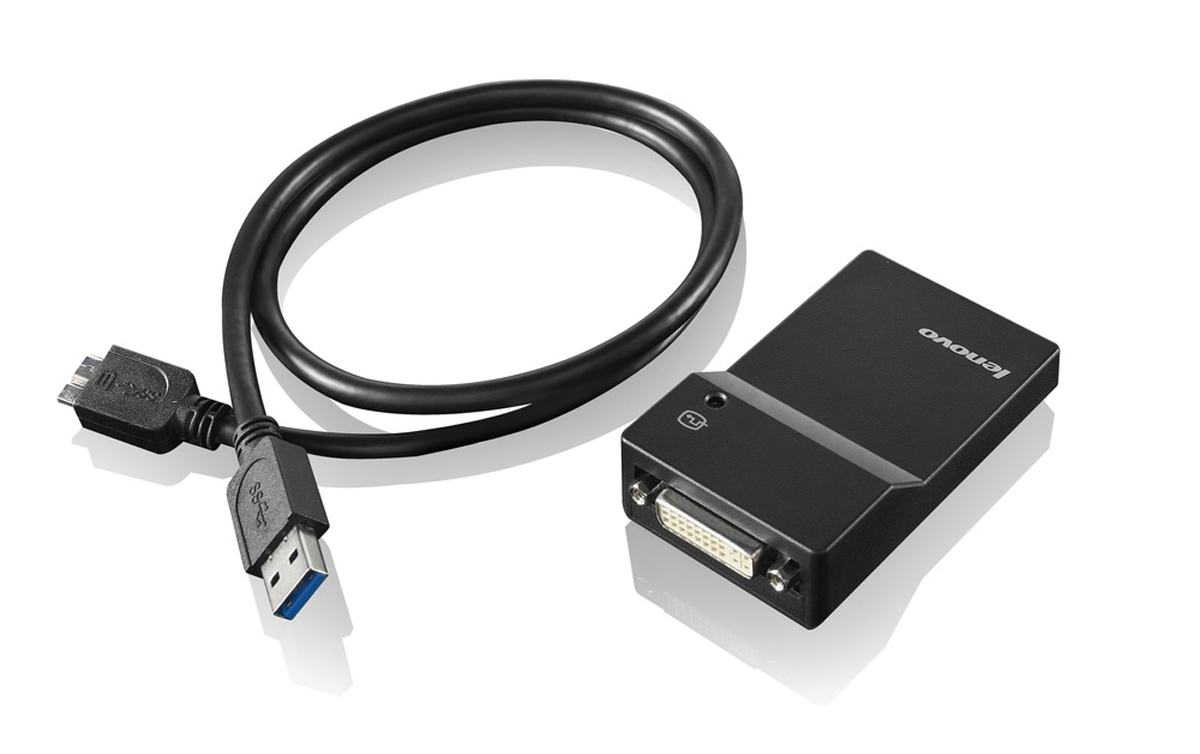
USB is Ubiquitous. The Lenovo USB 3.0 to DVI/VGA Monitor Adapter (0B47072) provides a quick and easy way to attach an analog or digital monitor to a ThinkPad or ThinkCentre USB port, helping to increase productivity through the use of multiple monitors.
The Lenovo USB 3.0 to DVI/VGA Monitor Adapter is ideal for increasing the efficiency of everyday tasks. View and extend spreadsheets across multiple monitors, or view financial charts simultaneously. Using multiple USB 3.0 to DVI/VGA Monitor Adapters reduces overlapping of windows when multitasking is required, and increases overall user experience and productivity.
Up to six monitors can be connected using up to six USB 3.0 to DVI/VGA Monitor adapters when connected to ThinkPad systems. Adapters coexist with existing system monitor ports and installed graphics cards.
Each adapter is uniquely configured, using a setup wizard, for:
- Display mode: Span (one large desktop), mirrored (clone mode) or
- extended desktop (stretch mode)
- Screen resolution: Up to 2048x1152
- Screen orientation: 0, 90, 180, or 270 degrees
- Monitor placement: Extend monitor to right, left, above, or below
Windows Display Properties setup menu allows users to set resolution and the position location of each USB 3.0 to DVI/VGA Monitor Adapter along with the systems graphics displays.
The USB3.0 to DVI Monitor Adapter is lightweight and is easy to carry. A projector can quickly be attached to the ThinkPad USB port.
The USB 3.0 to DVI/VGA Monitor Adapter does not disable a system's graphics capabilities. For ThinkPad users, the ThinkPad display is active, a second monitor can be attached to the ThinkPad monitor port. Additional monitors can be easily connected using one or more USB 3.0 to DVI/VGA Monitor Adapters.
The Lenovo USB 3.0 to DVI/VGA Monitor Adapter is ideal for increasing the efficiency of everyday tasks. View and extend spreadsheets across multiple monitors, or view financial charts simultaneously. Using multiple USB 3.0 to DVI/VGA Monitor Adapters reduces overlapping of windows when multitasking is required, and increases overall user experience and productivity.
Up to six monitors can be connected using up to six USB 3.0 to DVI/VGA Monitor adapters when connected to ThinkPad systems. Adapters coexist with existing system monitor ports and installed graphics cards.
Each adapter is uniquely configured, using a setup wizard, for:
- Display mode: Span (one large desktop), mirrored (clone mode) or
- extended desktop (stretch mode)
- Screen resolution: Up to 2048x1152
- Screen orientation: 0, 90, 180, or 270 degrees
- Monitor placement: Extend monitor to right, left, above, or below
Windows Display Properties setup menu allows users to set resolution and the position location of each USB 3.0 to DVI/VGA Monitor Adapter along with the systems graphics displays.
The USB3.0 to DVI Monitor Adapter is lightweight and is easy to carry. A projector can quickly be attached to the ThinkPad USB port.
The USB 3.0 to DVI/VGA Monitor Adapter does not disable a system's graphics capabilities. For ThinkPad users, the ThinkPad display is active, a second monitor can be attached to the ThinkPad monitor port. Additional monitors can be easily connected using one or more USB 3.0 to DVI/VGA Monitor Adapters.

Lenovo USB 3.0 - DVI/VGA USB graphics adapter 2048 x 1152 pixels Black
£108.00
£90.00
In stock
Only 3 left
SKU
0B47072
USB 3.0 to DVI/VGA Monitor Adapter
See all Specs
Fast Dispatch
- Same-day dispatch available (order before cutoff)
- Next working day delivery available
- Tracking provided on every shipment
- Secure UK delivery
Need it urgently? Contact our team.
Why Buy From Etech Networks?
- Competitive pricing across leading brands
- Fast dispatch from our UK-based team
- Expert support when you need it
Purchase Orders Accepted
We accept purchase orders from eligible organisations.
Need Help Fast?
Quick support on compatibility, delivery, or ordering.
Secure Checkout
Card • Bank transfer • Purchase order

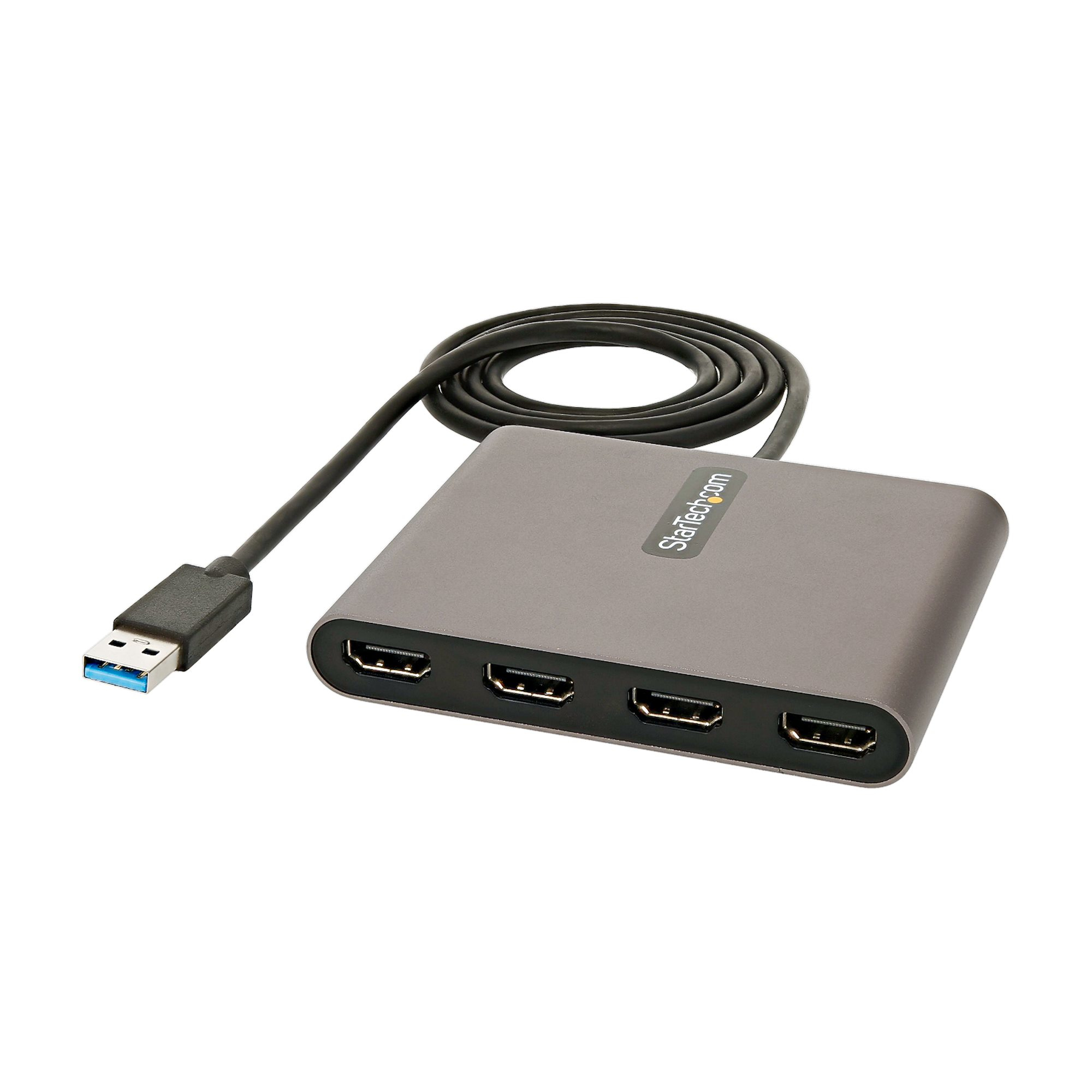
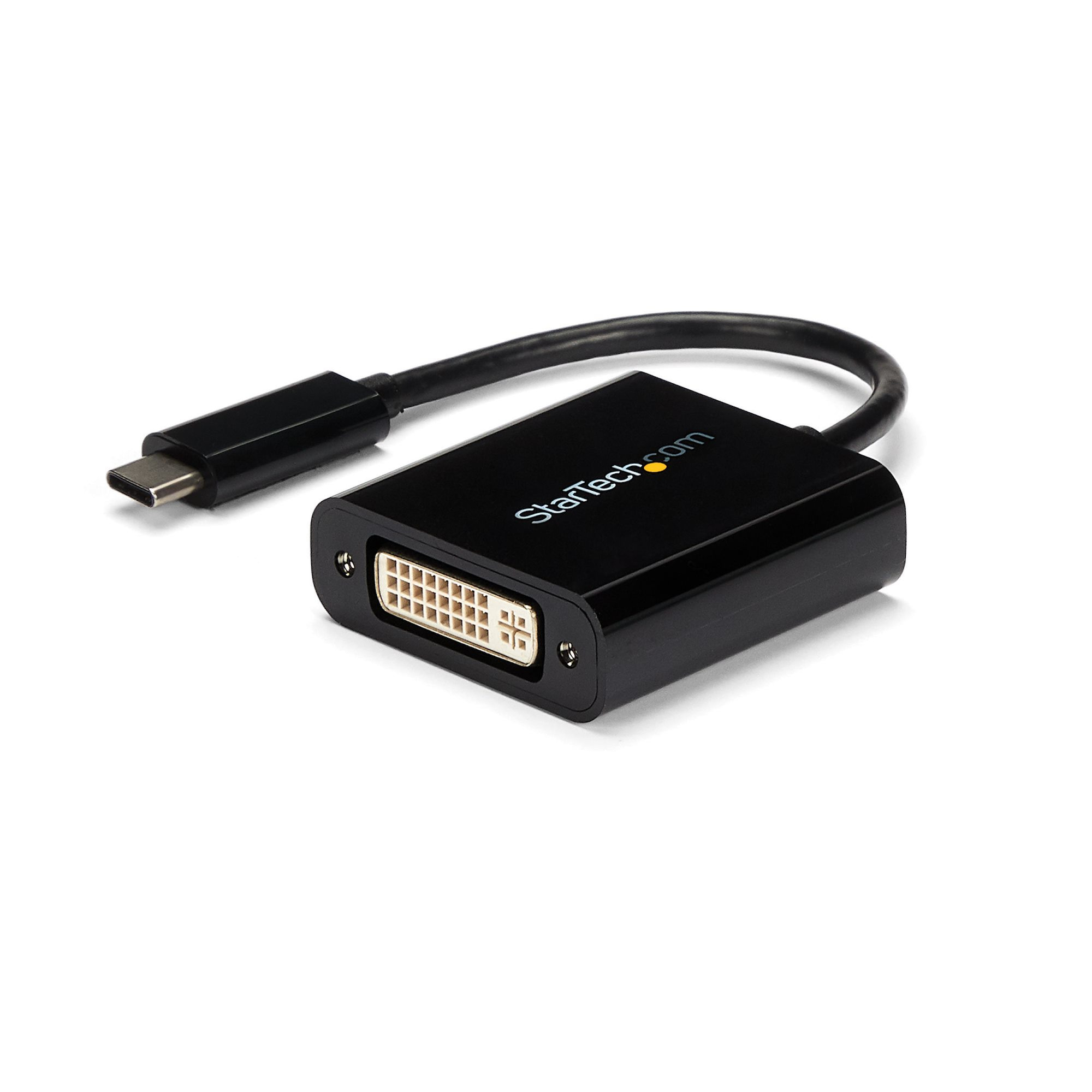 StarTech.com USB 3.0 to Quad HDMI Adapter, USB to 4x HDMI Monitor Converter for Windows (no support for macOS/ChromeOS/Linux) - TAA
Previous
StarTech.com USB 3.0 to Quad HDMI Adapter, USB to 4x HDMI Monitor Converter for Windows (no support for macOS/ChromeOS/Linux) - TAA
Previous